

HRD Corp (HRDF) Guidelines for Remote Online Learning
HRD Corp has updated its guidelines for elearning, remote online learning and virtual classrooms on 15th May 2020. We have summarized the requirements below. You can download their guidelines from the HRD Corp website per link provided at the end of this article.
Learn this skill in the course Digital Marketing (MC-DM).
HRD Corp has several definitions on this topic. For trainers, the most commonly online learning method in the Malaysian market for remote online learning is the virtual classroom.
HRD Corp Definition of Virtual Classrooms
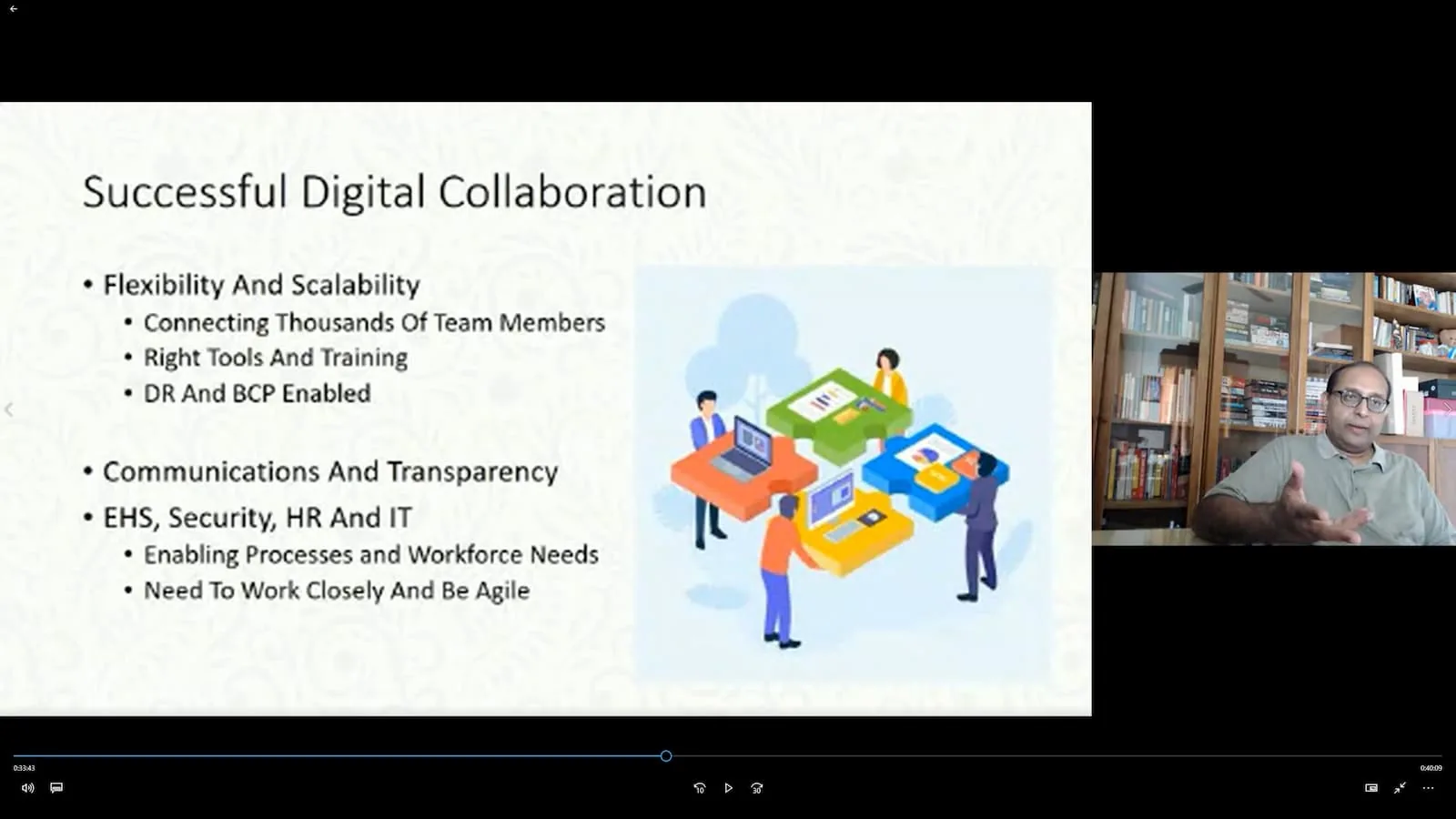
In essence, HRD Corp considers this as a real time training using video conferencing such as Microsoft Teams, Zoom or any other Video Conferencing system that fulfills HRD Corp’s claimable requirements.
Both the HRD Corp (HRDF) Accredited Trainer and the trainees must be present at the same time, It is not a recording. A recording of the training will need to be available as part of HRD Corp claimable requirements for remote online learning, as evidence it happened.
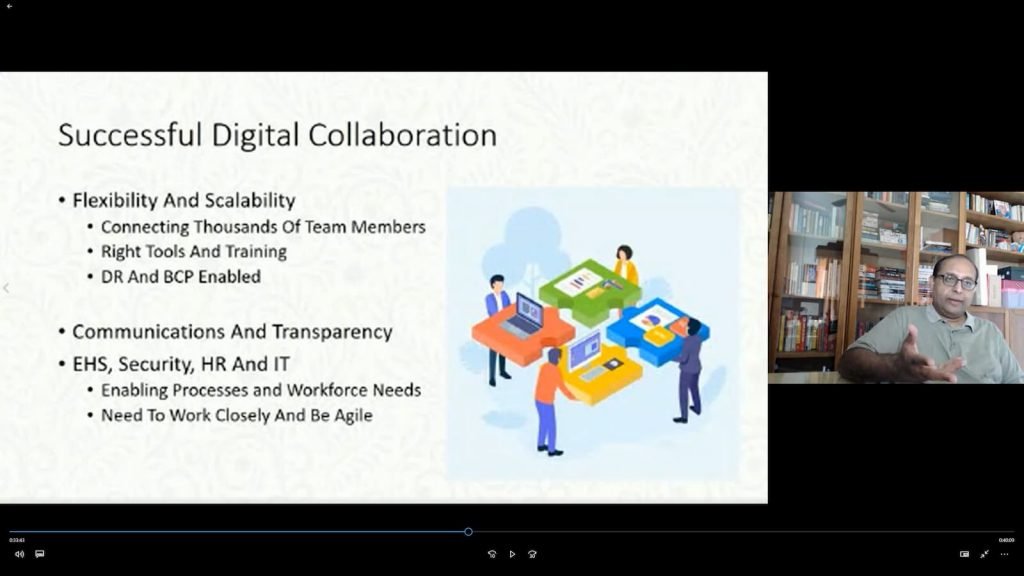
A virtual classroom is an online event where a trainer remotely and in real-time conducts training to a group of trainees using a combination of materials like PowerPoint slides, audio or video materials. It is also called synchronous learning. This method requires the least amount of effort to convert materials but instructors still have to prepare them. Appropriate technology must be in place for both the trainees and trainers such as software for the virtual classroom and good internet connectivity.
Section 4.3.2, HRD Corp, Guide For Online Learning, Version 1.0, 15 May 2020


Virtual Classroom Platforms and Applications
Virtual classroom is an online Remote Learning where both trainees and trainer are engaged in a training session remotely, yet together in real time.
This can be achieved by video conferencing applications or by learning management systems (LMS).
Video Conferencing Platforms and Applications
There are a few examples of video conference apps that will help you through the virtual classroom experience.
- Microsoft Teams
- Google Hangouts
- Bluejeans
- Zoom Meetings
- Zoho Meetings
- and so many more.

Learning Management Systems (LMS) for Virtual Classrooms
A good learning management system (LMS) should have the following capabilities:
- Most of the video conferencing applications capabilities AND
- Built in registration and listing of participants
- Built in assessment questions for participants
- Built in tracking of the performance of participants in the training session and its assessments
- Built in evaluation of the session by participants
- Storage of the video recording of the training session
- Handouts download capabilities
- Control of certificate issuance based on participants performance in the training.
Down below is some of the apps that will help you through the learning process. Examples of LMS with real time virtual classrooms capabilities:
- Moodle LMS
- Zoho Showtime
- Adobe Captivate Prime
- TalentLMS
- Bigmarker
- and many more
Why are Virtual Classrooms important?
With the usage of virtual classroom, it enables remote virtual teaching and learning for large groups of people. This is important as in situations of a pandemic like Covid-19 or the time and cost of travelling in for a training is too high.
HRD Corp Remote Online Learning Virtual Classroom Requirements
Online learning has many advantages. And many potential distractions. Lets see what HRD Corp requirements are below (per the HRD Corp, Guide For Online Learning, Version 1.0, 15 May 2020), and what are the main issues that can occur for an online training.
HRDF Remote Online Training Claimable Amount
For HRDF Remote Online Learning, HRDf has capped the course fee to a maximum of RM350 per pax per day, where a day means a 7 hour training.
HRDF Training Days Definition for Remote Online Training
A 7-hour training to be conducted over a minimum of two (2) days and training hours per day should not exceed for (4) hours.
Note: A full-day (7-hour) programme is not allowed to stretch more than four (4) hours in a day and if the training is more than four (4)hours, it should be completed in minimum of two (2) days.
HRDF Remote Online Training Actual Claimable Amount per Day
For a virtual classroom, the HRDF claimable amount is RM175 per person per day for a 4 hour training session. The HRDF remote online training session allowable hours, cannot exceed 4 hours per day and cannot be less than 4 hours per day.
Minimum Training Duration
The minimum training duration is four (4) hours for Skim Bantuan Latihan (SBL) and Skim Latihan Bersama (SLB) and seven (7) hours for Skim Bantuan Latihan Khas (SBL-KHAS)
HRDF Remote Online Training Allowable Number of Trainees
Maximum 15 pax for both technical and soft skill INCLUDING conference and webinars.
HRDF Remote Online Training Attendance Report
For Remote Online Learning, the report should contain basic information such as course title, training dates and details of trainees. Additionally, for SBL-Khas, the attendance report generated by system should be signed by the training provider or trainer with the company stamp.
HRDF Remote Online Training Platform Application Requirements
To ensure that the training delivered live online is effective, the platform/application on which the content is delivered must include the following features:
i. User login/attendance monitoring;
ii. Document sharing;
iii. 2-way communication; and
iv. Ability to generate reports on user activity and event logs
HRDF Remote Online Training Internet Stability Requirements
When delivering training via live online platforms, the stability of the internet connection, as well as sufficient bandwidth, are two (2) crucial factors in ensuring smooth delivery of the content. As such, training providers and trainers must carry out sufficient testing before any such training is carried out to ensure that the delivery will be consistently smooth throughout the training period.
HRDF Remote Online Training Spot Check Inspection Requirements
Training providers/Organisers are also required to provide access to the live online training session for HRDF officers to conduct the inspection. This access must be sent to the HRD Corp inspectorate at least 24 hours before the commencement of the training. The email should also have the following details:
i. HRDF Grant Reference Number;
ii. Employer Name;
iii. Training Date and Time; and
iv. Participant Name Listing.
HRDF Remote Online Training Video Recording Storage Requirements
Training providers/Organisers must also keep the video records of these live online training sessions for at least two (2) years. Training providers/Organisers should be able to provide these records when required by the HRDF officers.
Virtual Classroom and Online Remote Learning – Main Issues
1. Trainee is distracted and is not staying engaged with the course. Could be doing other work or being interrupted by other parties in the vicinity.
2. Trainee is watching the training course on their mobile phone and is driving around. Trainees should be using the laptop at the minimum because of no interruption on screen from phone calls, social media notifications, better screen size viewing quality, wired internet capability (in case required) and overall better quality of technical capabilities for 2 way multimedia interaction (video, answering questions, reading the slides and taking actions on the learning platform used).
3. The internet connection is bad with constant connection drops. This happens due to internet traffic loads, a low quality internet plan, or application server issues.
4. The audio is garbled and the trainer is inaudible, becomes rubbish audio. Multiple factors including browser control and caching issues, user computer quality issues, background noise, internet connectivity issues and application server issues.
5. Trainer distracted trying to support trainees with technical issues. A program host from the training provider (TP) should be on standby to support trainees and let the trainer focus on the training.
HRDF Remote Online Training Effectiveness Requirements
Training effectiveness evaluation is compulsory for all training that is delivered live online. This is for HRDF to continuously monitor the effectiveness of training conducted in this way.
How to apply for HRDF Virtual Classroom Claimable Course?
1. Get a quotation from an approved HRD Corp Registered Training Provider
2. Login to HRDF Portal and launch e-TRiS.
2. Click on ‘Application’ icon
3. Click and open the ‘Grant’ from the menu
4. Choose ‘Apply Grant’.
5. Fill in the online form and attach the supporting documents before clicking the ‘Submit’ button
6. After HRDF grant approval, notify us to register for the Remote Online Learning Training session.
What is the required information for the application of HRDF Virtual Classroom Claimable Course?
1. Training Provider information
2. Trainees Information
3. Total of Estimated Costs Apply (Include training provider’s quotation)
When should the claim be submitted to HRDF?
-six (6) months upon completion of training (Grant schemes)
-three (3) months upon completion of the training and successfully obtaining the certificate, subject to the requirement of the scheme (Strategic Initiative schemes) with all training costs paid.
Where do I get the official guidelines from HRDF for Virtual Classroom Training Course?
You can get it from the HRDF website from Guidelines under ‘Services’ section. <a href="https://hrdcorp.gov.my/ here to see the full guidelines