
 HRD Corp Claimable Course

Two ways to take this course
In-house for Your Team
Tailored to your cases, at your premises or ours. It is an HRD Corp Claimable Course (SBL-KHAS).
Get a QuoteWhat you will be able to do
- Build and manage a WordPress website for marketing and sales
- Build posts, pages, menus and forms that support SEO
- Build landing pages for search (SEO) and conversion (CRO)
- Secure the site and track its performance with Google and Bing tools
Who should attend
Content, sales and marketing teams, managers, response centre staff and corporate staff who run or update the company website on WordPress.
Pre-requisites: SPM, diploma or degree holder
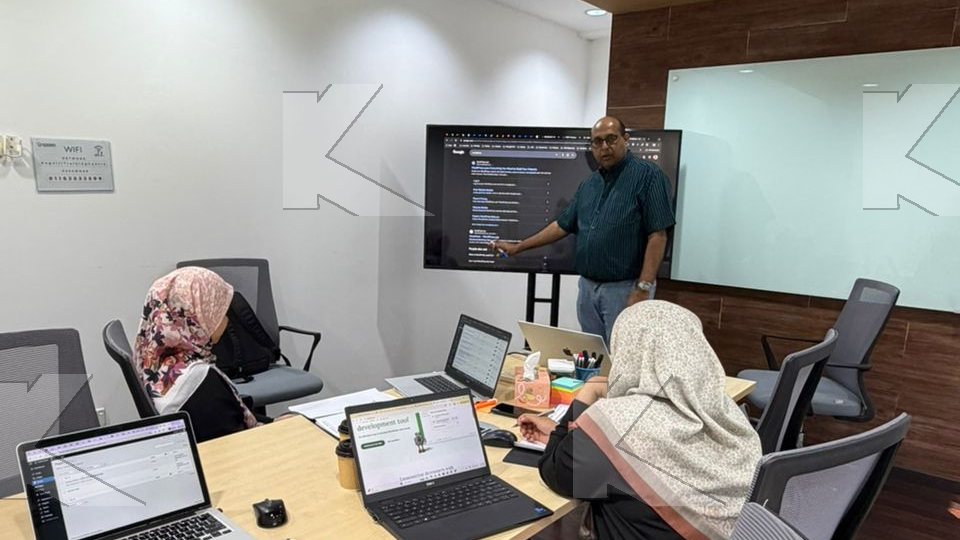
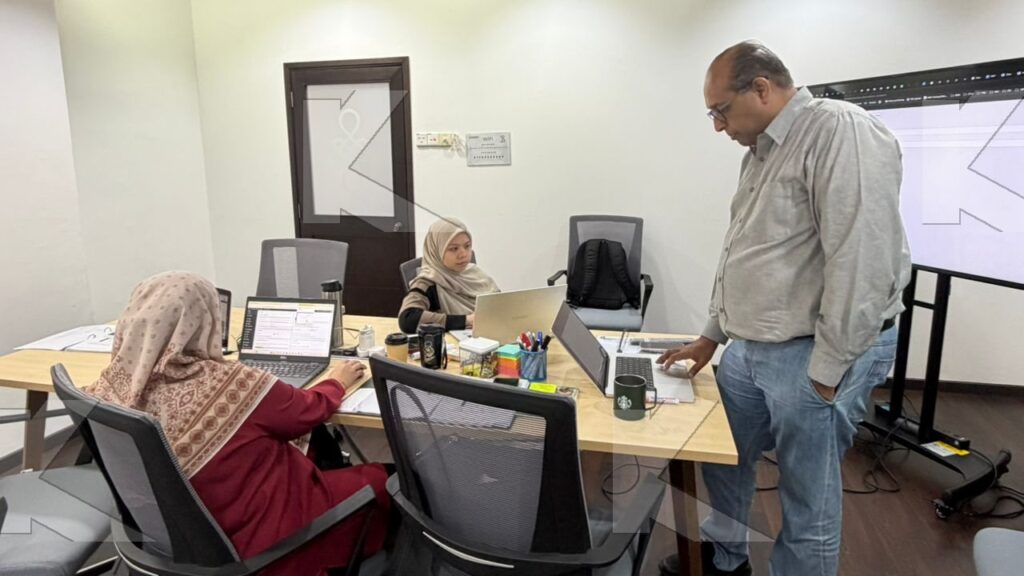
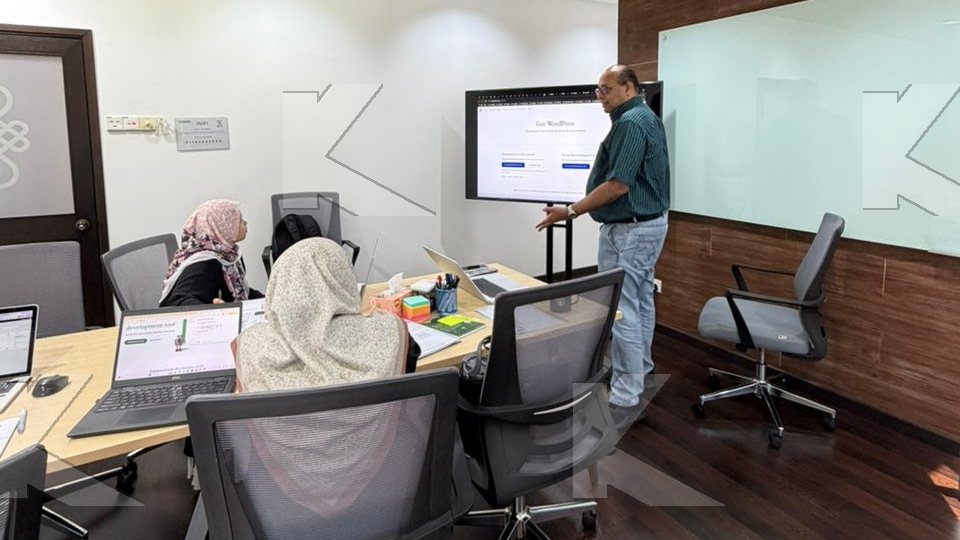
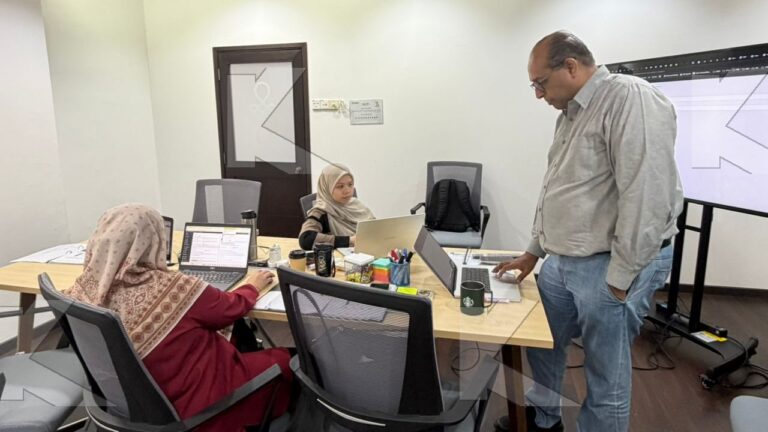
Class in action
Programme by day and module
Day 1
9.00am to 12.30pm
Module 1 · Introduction to WordPress Elements
Participants are introduced to the elements of WordPress. They learn to install and set up WordPress for marketing, with its settings, user roles, content types, plugins, themes and templates.
- WordPress elements, configuration and internet settings Lecture
- Installing and configuring WordPress for marketing communications Workshop
- Presenting the WordPress website and configuration Group Activity
12.30pm to 1.30pm · Lunch break
1.30pm to 5.00pm
Module 2 · WordPress Content Elements
Participants go deeper into the WordPress content management system (CMS): content types, site links, navigation, search engine optimisation (SEO) and site menus. They create web forms and test form delivery.
- WordPress content types, use cases and settings Lecture
- Exploring content types and related plugins Workshop
- Presenting the WordPress website content and navigation Group Activity
Day 2
9.00am to 12.30pm
Module 3 · WordPress Design Elements
Participants learn user interface and user experience (UI/UX) elements: microcopy, content flow, page builders, content schema and landing page optimisation (LPO). They use page builders and SEO plugins to build a page that converts (CRO).
- WordPress design elements, terms and CRO Lecture
- Creating the optimised landing page UI/UX for user activation Workshop
- Presenting the optimised landing page experience for activation Group Activity
12.30pm to 1.30pm · Lunch break
1.30pm to 5.00pm
Module 4 · WordPress Performance Elements
Participants read analytics to improve the site's search ranking and user activation. They cross-post to Facebook and LinkedIn, and manage cybersecurity risks and content copying.
- WordPress performance monitoring tools Lecture
- Using WordPress, CDN, Google and Bing website performance tools Workshop
- Presenting the WordPress performance dashboards Group Activity
How the course runs
Before
Training Needs Survey
During
Training: practice on your own work
After
- Learning Assessment
- Post-Training Implementation Plan
- Course Evaluation (TEE)
- Certificate
What Is Included
- Course handbook for every participant
- Workshop activities, guided and coached by the trainer
- An assessment test at the end of each module
- Your contribution and reflection in the group activities are evaluated
- HRD Corp Training Effectiveness Evaluation (TEE) feedback after the course
Certificate
- Certificate of Attendance: for every participant who attends at least 75% of the course and scores below 50% in the assessment.
- Certificate of Achievement: for participants who attend at least 75% of the course and score 50% to 79% in the assessment.
- Certificate of Competency: for participants who attend at least 75% of the course and pass 80% of the assessment.
Trainers

What participants say

The way trainer shared the info and answered the question
easy to understand. hands on approach
Fees and HRD Corp funding
- Public class: RM 3,500 per person
- In-house and group fees: quoted for your team size and dates.
Employers registered with HRD Corp can claim this course against their levy. How claiming works
Frequently asked questions
Who should attend WordPress for Digital Marketing?
Content, sales and marketing teams, managers, response centre staff and corporate staff who run or update the company website on WordPress. Participants should hold SPM, a diploma or a degree.
How long is the course?
2 days (14 hours), 9.00am to 5.00pm each day, with a lunch break from 12.30pm to 1.30pm.
Is this course an HRD Corp Claimable Course (SBL-KHAS)?
Yes. It is an HRD Corp Claimable Course (SBL-KHAS). Employers registered with HRD Corp can claim it against their levy.
Can we run it in-house?
Yes. You can run it in-house at your premises or ours, or send one or two people to a public class in Petaling Jaya.
How much does the public class cost?
RM 3,500 per person. In-house fees are quoted for your team size and dates.
What certificate do participants receive?
Every participant who attends at least 75% of the course gets a certificate. The assessment score sets the certificate: Certificate of Attendance (below 50%), Certificate of Achievement (50% to 79%) or Certificate of Competency (pass 80% of the assessment).
Which course comes before and after this one?
Take SEO Copywriting (MC-SC) first, so the content is ready to publish. Next, Digital Marketing (MC-DM) sends campaign traffic to the landing pages you build here. Advanced WebOps (MC-AWO) then takes the website to server level: domains, DNS, staging and security.
Related work tips
Related courses



Get a Quote
Tell us your team size, preferred month and location, and we will send a quotation.