


Data visualization is the graphical representation of information and data. It uses visual elements such as charts, graphs, maps, and infographics to present data in an accessible and understandable format.
By leveraging human visual perception, data visualization helps simplify complex data sets, highlight patterns, and communicate insights effectively.
You can read about Data Visualization Tools Training here
Recommended Data Visualization Training for Beginners
Learn the different types of data visualization methods and principles to get actionable reporting.
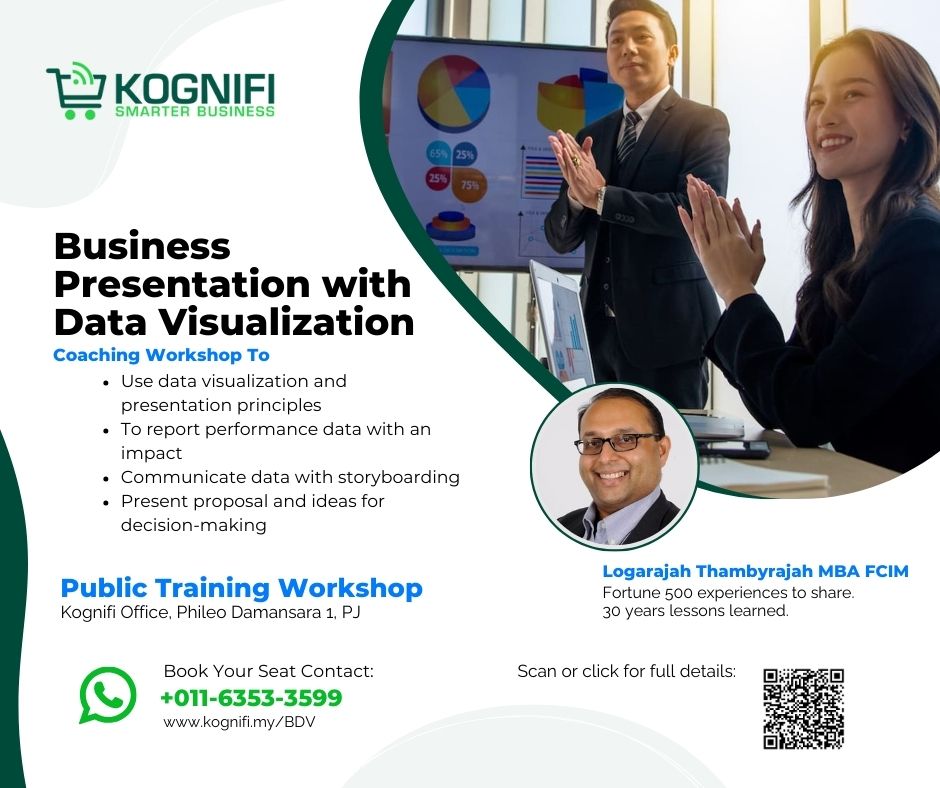
Business Presentation with Data Visualization Training
Learn how to present data effectively and report performance data with impact
In this course, participants learn presentation skills to persuade and answer questions with data. Learn how to see patterns and use data to analyze, report and present data effectively for impact and action. And also discover the best branding course in Malaysia from Kognifi.
Focus on Excel data analysis and PowerPoint storyboarding process
Gain the ability to confidently present data that drives decisions and leaves a lasting impression.

Click the button below to contact Kognifi Customer Service (+6010-914 3599) on a working day (Mon-Fri, 9am to 5pm) for your enquiry on training course classes.
Or send in an enquiry form. We will respond within 24 hours on a working day.
How To Manage Data For Excel Data Visualization
The 4 Step Process
- Get Data From Data Sources in Tabular Data Format
- Depends On How The Data Can Be Used For Analysis
- Clean And Standardise The Data
- Ensuring The Data Is Standardised For Analysis
- Extract The Relevant Data For Data Analysis
- Converting Tabular Data into Excel Tables for Data Analysis
- Create Reports From Data Analysis
- Data Visualization Types and Process in Excel
When to Use Data Visualization?
- Presenting data insights to stakeholders.
- Exploring large datasets for patterns or trends.
- Monitoring performance metrics via dashboards.
- Comparing different data categories or time periods.
Learn Converting Tabular Data into Excel Tables for Data Analysis
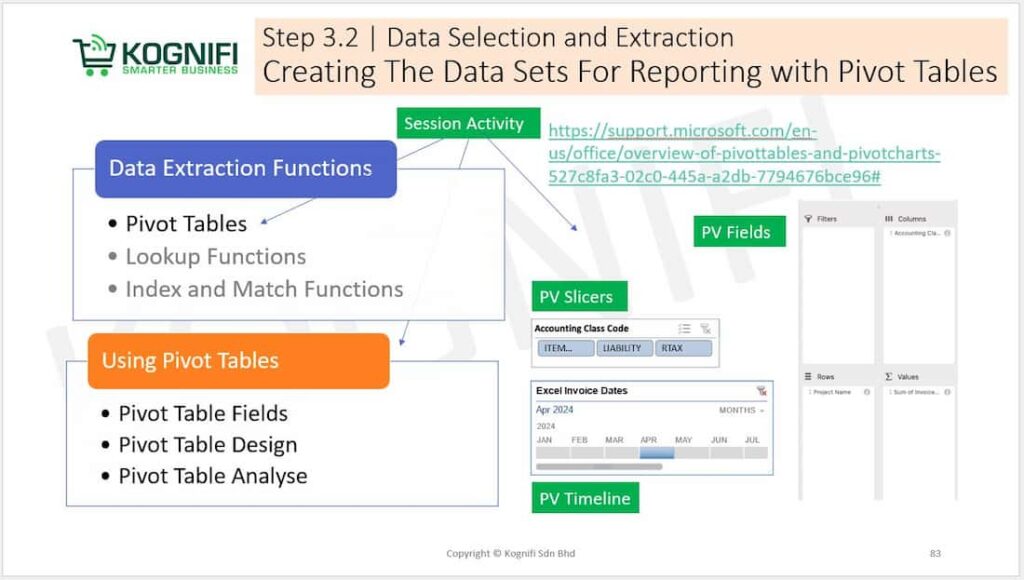
This course teaches you how to transform raw numbers into visuals that captivate and convince, enabling you to present ideas, proposals, and performance metrics effectively.
Turn complex data into compelling stories with Kognifi’s Business Presentation with Data Visualization Training Course. Master the art of creating impactful presentations that inspire decisions.
A data visualization course equips you with the tools to create compelling visuals, transforming raw data into meaningful insights. This skill is essential for professionals in analytics, marketing, and leadership roles, as it drives clarity and better decision-making.
Frequently Asked Questions
– You’ll learn to use Microsoft Excel and PowerPoint effectively for creating visual reports and dashboards.
– Yes, all Kognifi training courses is HRD Corp claimable
– You can register online at Kognifi’s official website or contact our team directly via phone or email.
Why People Choose Kognifi for Their Career
I am able to grab the opportunity given through the tasks given to know my own level of knowledge and skill in data analysis and presentation
Participant, Nitto Denko
The Excel training I learned different types of Excel charts and how to apply different charts under different conditions. Besides, I also learnt how to apply the Excel function so that it can make my work easier. For the PowerPoint part, I know how to visualize my slides so that my audience can understand more on my presentation and easy to capture their attention.
Participant, Nitto Denko
A good learning course for beginner. We able to learn and know more about Excel and also PowerPoint apps.
Participant, Nitto Denko