
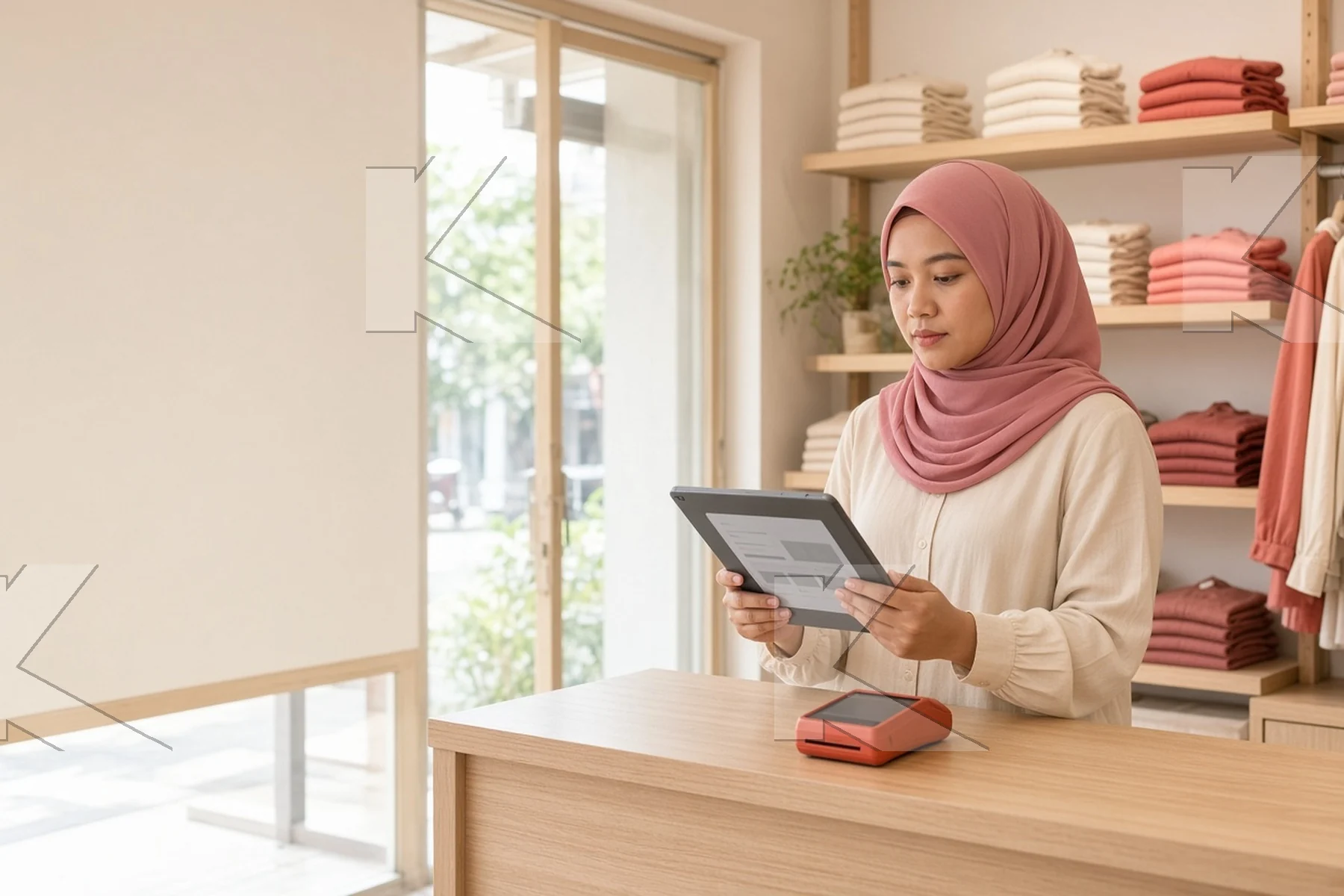

A payment gateway lets your customers pay online and in your shop. Select one that connects to your shop platform, accepts the payment methods your customers use, and keeps card data secure.
Learn this skill in the course Advanced WebOps (MC-AWO).
Example: a boutique owner in central Kuala Lumpur opens an online shop. Her customers are locals and tourists. They want to pay by card, by e-wallet and by QR code. Slow bank transfers and a clumsy checkout make them leave before they pay.
Signs that your checkout loses sales
- Many shoppers put items in the cart, but few complete the payment.
- Customers ask to pay by bank transfer and send the receipt by chat.
- Your shop does not accept the e-wallets that your customers use.
- You cannot see the status of a payment until the next day.
Seven checks before you select a payment gateway
- Platform connection: it works with your shop platform, for example WooCommerce, without custom code.
- Payment methods: it accepts credit and debit cards, online banking (FPX) and the e-wallets that Malaysians use.
- In-store payments: it accepts QR code payments at the counter, so that online and offline sales are in one system.
- Currencies: it accepts more than one currency if you sell to buyers in other countries.
- Security: it complies with PCI DSS, the security standard for card data.
- Monitoring: it shows each transaction in real time.
- Support and cost: it gives support when your shop is open, and its fees and settlement times are clear.
Make the checkout fast
Keep the checkout to as few steps as possible. Show the total cost, including delivery, before the payment step. Let customers pay without an account if they want. Test the checkout on a phone, because most shoppers use one.
What to do this week
- Find your cart abandonment rate in your shop or analytics reports.
- Ask ten customers how they prefer to pay.
- Buy one product from your own shop on a phone, and note each problem.